GPS Phone Location Tracker
- 4.2
- Rating
- 1.00M
- Installs
- Free
- Price

 Analysis by App-foxy
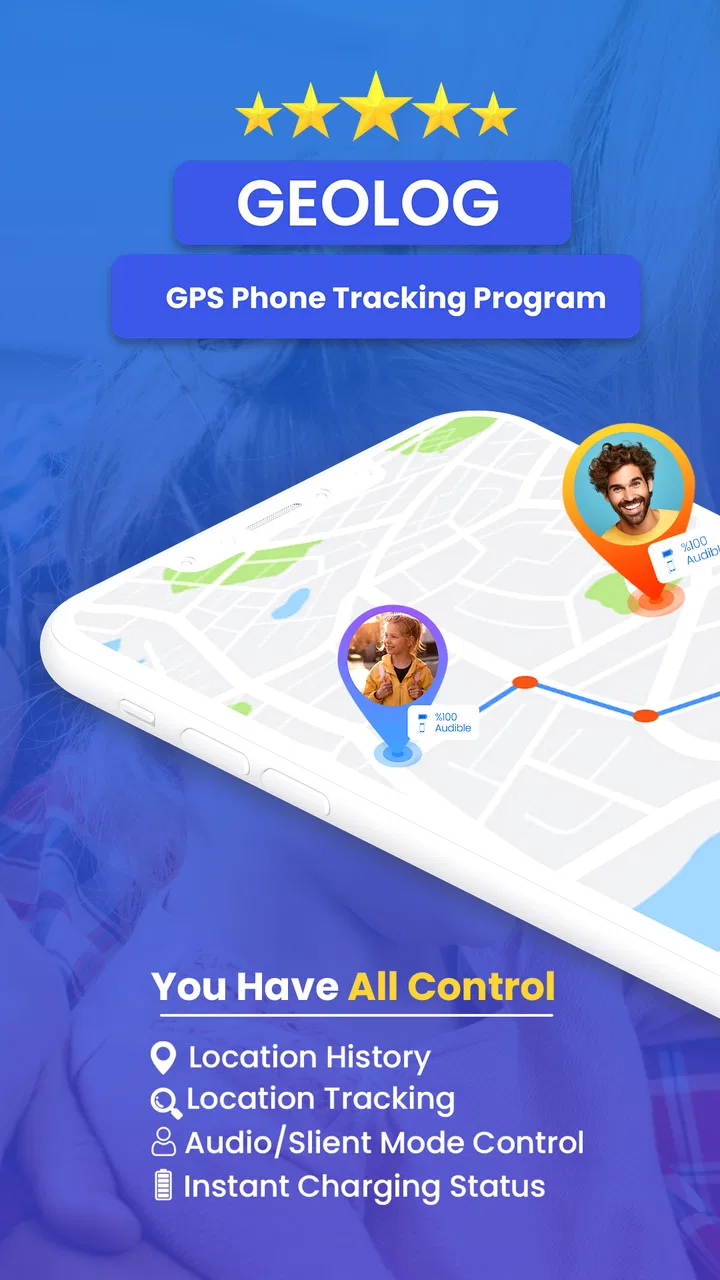
I tend to judge location apps less by their map screens and more by what happens when someone is already late, worried, or trying to coordinate a family member. GeoLog - Real-Time Location Tracker is a free parenting app from LastSeen Technology that aims to make phone location useful in those ordinary moments. I found its appeal easy to understand: instead of relying on a child to answer a call, a parent can use a location tracker as another way to check where a phone is.
That convenience comes with an important condition. A location app is only helpful when the phone has power, a usable connection, location access, and a person who has agreed to use it. GeoLog cannot turn a switched-off phone into a beacon, and it should not be treated as a substitute for a conversation or emergency service. With that expectation in place, it is a practical option for families who want a straightforward GPS tracker rather than a large collection of unrelated parenting tools.
Where the experience usually gets stuck
The first difficulty is often not the map itself. It is the relationship between the person checking the location and the phone being checked. If the second phone has not been configured properly, the result may be an old position, an empty view, or a location that looks less precise than expected. That can make the app seem unreliable when the real problem is setup on the other device.
You May Also Like

 Blood Strike: 2.5 Anniversary
Blood Strike’s Loadouts Turn Every Drop Into a Tactical Gamble
A close look at Blood Strike’s custom loadouts: how fast access to signature weapons reshapes its battle royale rhythm, rewards preparation, and narrows the gap between fights.

 Pandora - Music & Podcasts
Pandora’s Music Is Easy to Start, but Harder to Recover
Pandora’s strength is its low-effort path from a seed to a station. Its weak spot is how much confidence it asks you to place in connection, setup, and quiet recovery.

 8 Ball Pool
 Is Built on Rivalries, Rematches, and Routine
A close look at the rivalries, rematches, shared routines, and unanswered safety questions that turn a quick pool match into a persistent mobile community.

 Samsung Music
’s Quiet Strength Is Playing What You Already Own
Its reach comes less from spectacle than from dependable access to a personal library. That simplicity is both the app’s strongest retention engine and its ceiling.

 AccuWeather: Weather Radar
AccuWeather Review: A Quick, Clear Forecast for Everyday Decisions
For everyday plans, the best forecast is the one you can understand quickly. AccuWeather makes rain timing, radar, and local conditions easy to act on, with a few trade-offs.

 Hill Climb Racing
Why Hill Climb Racing Still Turns Crashes Into One More Run
A tiny car, a bumpy hill and one more upgrade: Hill Climb Racing keeps resurfacing because its simple chaos makes every near-miss feel personal.
More From Our News Desk



I would begin by deciding exactly what the app is meant to solve. It can make sense for a parent coordinating school pickup, checking whether a teenager has arrived at an agreed destination, or keeping track of a family member during a busy day. It is a poor fit for secretly monitoring someone. Location sharing works best when everyone understands why it is being used, when it is active, and who can see the information.
A realistic example is a child travelling home after an after-school activity. Rather than sending repeated messages asking, “Where are you?”, the parent can check whether the phone appears to be moving toward home. If the position has not changed, the next step should still be a call or message. A stationary marker might mean the child is waiting, the phone is indoors, the battery is low, or the connection is temporarily weak. The map provides context; it does not explain the whole situation.
Another common point of confusion is precision. GPS is not equally dependable in every place. Open outdoor areas are generally easier for a phone to locate than underground spaces, dense buildings, enclosed rooms, or places where the signal is obstructed. A marker that appears slightly away from a building does not automatically mean the app has failed. I would look for a pattern over time rather than judging one position in isolation.
There is also a privacy trade-off that deserves attention before installing anything. A family may want reassurance, but continuous location access can feel intrusive, especially for older children or teenagers. I recommend agreeing on simple boundaries: who checks the location, in which situations, and what happens if the phone cannot be found. Those rules make the tool less likely to become a source of arguments.
Setup checks that prevent most false alarms
After installing the app, I would not rush straight to testing it from across town. First, make sure the intended phones are using the correct accounts or sharing arrangement inside the app, and confirm that the device being located is the one actually carried by the family member. A spare phone left at home can produce a perfectly accurate location that is completely unhelpful.
Next, check the phone’s general location setting and the app’s access to it. The exact wording can vary between Android and iOS, but the principle is the same: the operating system must allow the application to obtain location information in the way the app expects. If access is restricted, the map may update only while the app is open or may fail to refresh consistently.
Battery management is another easy-to-miss source of trouble. Some phones limit background activity to preserve battery life. That can interfere with any app that needs to refresh a position while the screen is off. I would review the phone’s battery-saving settings and avoid aggressive restrictions for the device that needs to remain available. This is not a reason to disable every battery safeguard; it is a reason to understand which settings may interrupt location updates.
Connectivity matters just as much as GPS. A phone may know where it is but still be unable to send that information if mobile data or Wi-Fi is unavailable. For a useful test, place the tracked phone outdoors or near a window, make sure it has a connection, and move it through a short, familiar route. Then compare what the viewer sees with the route that actually happened. Testing in a controlled situation is more informative than trying to diagnose the app during a rushed pickup.
One practical tip is to check both phones rather than changing settings only on the phone doing the viewing. The viewer may have a perfectly good internet connection while the tracked device is offline, low on battery, or blocking background activity. Reinstalling the viewer app in that situation will not solve the underlying problem.
It is also worth confirming that the app is current. The version I reviewed is 63.0.0, and updates can change how an app works with newer operating-system behavior. I would update through the normal app store, restart the device after a major change, and then perform a short test. If a family relies on the app for a regular routine, a quick check before the first important trip is sensible.
GeoLog is marked for Everyone, which makes its general audience broad, but that label should not replace parental judgment. A child’s age, maturity, and ability to understand location sharing matter more than a store age category. I would explain the purpose clearly and avoid presenting tracking as a punishment or a way to remove all independence.
Recovering a workflow when the map looks wrong
When a position appears stale, I use a simple sequence instead of repeatedly tapping refresh. First, I check the timestamp or freshness information shown in the app, if available. Then I contact the person carrying the phone. If they respond, I ask whether the phone is powered on, connected, and with them. This quickly separates a communication issue from a technical one.
If the phone is available, I would open the app on that device, confirm that location is enabled, and allow a little time for the position to update. Moving into an open area can help the phone obtain a better GPS fix. I would then check whether the viewer sees a newer position. This two-device test is more useful than assuming the viewer’s screen tells the entire story.
For a marker that jumps around, I would avoid interpreting every small movement as a real journey. Location estimates can vary, especially around tall buildings or indoors. Look for a sequence that makes sense: several positions along a road are more meaningful than one isolated point. If the app offers a history or timeline in the installed experience, use it as context rather than as a perfect record of every step. I would not make a serious decision based on a single uncertain marker.
Restarting the affected phone can clear a temporary connection or location-service problem, but it should not be the only troubleshooting idea. After restarting, check the operating system’s location control, the app’s access, the network connection, and battery restrictions again. A restart is most useful when followed by a controlled test; otherwise, it is difficult to know what actually fixed the issue.
One of the more useful habits is to create a routine around the app instead of checking it constantly. For example, a family might agree that the traveller sends a message when leaving and arriving, while the parent uses the tracker only when the expected update does not arrive. This reduces battery use, avoids unnecessary anxiety, and keeps the app in its proper role as a backup layer rather than a replacement for communication.
There is also a trade-off between convenience and battery life. A phone that is constantly active, connected, and reporting location may need charging more often. I would make charging part of the routine for a child who depends on the phone during a commute. A tracker is not useful if the device reaches the end of the day with no power.
The app is free to install, but in-app purchases range from $1.49 to $24.99 per item. I would explore the basic experience first and read each purchase screen carefully before approving anything. Families should decide in advance whether an optional paid function is genuinely useful for their routine. A paid add-on cannot correct missing permissions, poor reception, or a phone that is turned off.
When the app is not the cause
Location problems are often blamed on the tracker even though the phone itself is responsible. A weak signal, an indoor environment, a damaged device, an outdated operating system, or a nearly empty battery can all produce disappointing results. The minimum operating-system requirement is Android 5.0, so anyone using an older Android phone should check compatibility before planning around it. Compatibility alone, however, does not guarantee dependable updates on aging hardware.
Network congestion and temporary service interruptions can also affect the experience. If several family members suddenly see delayed positions at the same time, I would check their connections before changing the app configuration. If only one phone is affected, compare that device’s battery, signal, and location settings with a phone that is working normally.
It is important not to use a location marker as proof of a person’s exact activity. The phone may be left in a bag, borrowed by someone else, or separated from its owner. A map cannot identify who is holding the device. For safety concerns, direct contact and appropriate local help are more reliable than repeatedly refreshing a location screen.
Compared with ordinary phone calls and messaging, a GPS tracker adds useful visual context but loses the human explanation. A call can tell you that someone is delayed because a bus broke down; a map may only show that the phone has stopped. Compared with built-in family-location tools available on many phones, GeoLog may appeal to someone who wants a dedicated parenting-focused tracker, but the best choice depends on how comfortable the family is with another app, another account flow, and its purchase options.
It is also not the right choice for someone seeking professional fleet monitoring, guaranteed emergency positioning, or a detailed safety system with formal response services. Its store summary presents it as a real-time location tracker, and I would keep expectations within that scope. Families wanting school notifications, medical alerts, or advanced vehicle management should look for a service designed specifically for those needs rather than stretching a phone tracker beyond its purpose.
Privacy-conscious users should pause before creating a tracking routine. Even when the intention is caring, location information can reveal school schedules, workplaces, habits, and time spent at home. I would limit access to the people who genuinely need it, discuss when tracking is appropriate, and remove the arrangement when it is no longer needed. The strongest family setup is one built on consent and clear expectations, not suspicion.
LastSeen Technology has positioned this as a parenting app, and that focus is useful for families who want one job handled simply. Still, parenting makes the limitations more important, not less. Children may forget to charge a phone, change settings, leave the device in a locker, or travel through places where GPS behaves poorly. A parent who understands those possibilities will get more value from the app and be less likely to panic over a delayed update.
My practical verdict for families
After looking at the app as a day-to-day tool rather than a promise of perfect visibility, I see GeoLog as a reasonable starting point for parents who want a free GPS tracker and are willing to complete the setup carefully. Its rating is 4.4 from around 188 thousand ratings, and it has passed the one-million-install mark, so it is clearly familiar to a substantial Android audience. Those figures do not guarantee that it will suit every household, but they do suggest that the basic idea has broad appeal.
The best results come from treating it as part of a family workflow. Configure the tracked phone first, test it on a short route, review battery and connectivity behavior, and agree on what a stale marker means before a stressful situation occurs. I would also keep a normal call or messaging method available, because the tracker cannot explain a delay or replace a conversation.
I would recommend it to parents coordinating independent travel, families checking arrivals, and people who want a dedicated location view without immediately committing to a paid service. I would skip it if the intended user objects to location sharing, if the phone is unreliable or rarely charged, or if the real requirement is emergency-grade monitoring. In those cases, a simpler communication routine or a more specialized safety product may be the better answer.
My main advice is to test the entire chain, not just the map: the right phone, the right sharing setup, location access, network availability, battery behavior, and a clear family agreement. Once those pieces are in place, GeoLog can provide useful reassurance without encouraging constant checking. That balance is what makes GeoLog - Real-Time Location Tracker worth considering for practical parenting routines.
For me, the app’s value is not that it makes a phone magically trackable everywhere. Its value is that, when the device is configured and connected, it gives a parent another sensible way to understand a family member’s journey. Used with realistic expectations and respectful boundaries, it is a helpful convenience. Used as the only source of truth, it will eventually disappoint.
FAQs for GPS Phone Location Tracker
01How accurate is the GPS Phone Location Tracker?
The GPS Phone Location Tracker boasts a high level of accuracy, often pinpointing locations within a few meters. However, accuracy can vary depending on factors such as signal strength, environmental conditions, and the quality of the device's GPS hardware. Users typically find it reliable for navigation and location-sharing purposes.
02Is my location data kept private when using the app?
Yes, the GPS Phone Location Tracker is designed with privacy in mind. The app uses encryption to protect your location data and only shares it with your consent. It’s crucial to review the app’s privacy policy and settings to understand how your data is managed and shared.
03Can I use the app without an internet connection?
The GPS Phone Location Tracker can function in offline mode to a certain extent, as it relies on GPS satellites for location tracking. However, features like real-time location sharing and map updates require an internet connection. For optimal performance, a stable internet connection is recommended.
04What devices are compatible with the GPS Phone Location Tracker?
The app is compatible with most Android and iOS devices equipped with GPS functionality. It supports a wide range of smartphones and tablets. Users should ensure their device meets the minimum OS requirements specified in the app store to ensure full functionality.
05Does using the GPS feature drain my phone’s battery quickly?
Using GPS can indeed consume more battery power, as it requires continuous satellite communication. The GPS Phone Location Tracker is optimized to balance accuracy and battery usage, but frequent use will still impact battery life. Users can extend battery life by adjusting location update intervals within the app’s settings.
Pros
- Accurate real-time tracking.
- User-friendly interface design.
- Minimal battery consumption.
- Customizable alerts and notifications.
- Supports multiple device tracking.
Cons
- Requires constant GPS access.
- Privacy concerns for some users.
- Limited offline functionality.
- Ads in the free version.
- Subscription needed for extra features.

GPS Phone Location Tracker
Gallery